
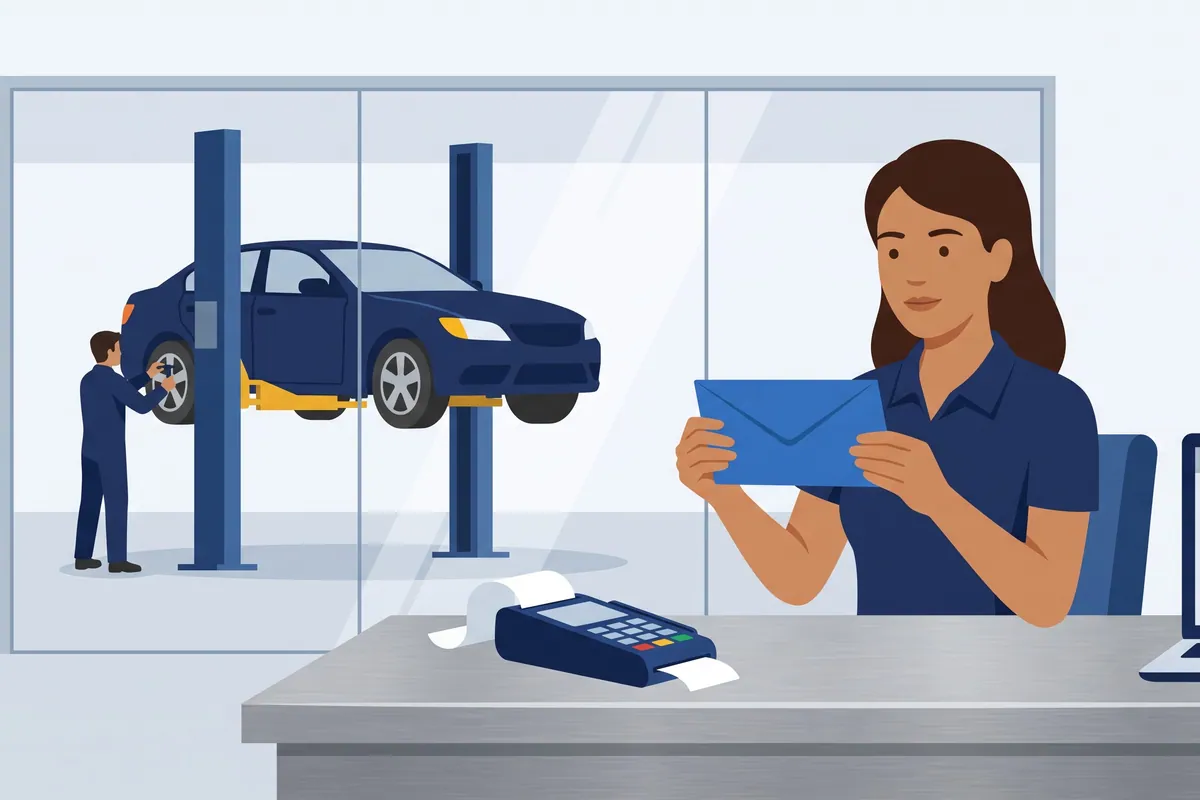

The card reader on your counter is the most efficient employee you have. It takes the customer’s money in about four seconds, never argues about the labor rate, and never calls in sick. It also quietly keeps a slice of every ticket before the rest reaches your bank, which is the part nobody shows you in the demo.
(I say this with love. I have a long, warm relationship with card readers. Most of it is spent asking them why the number is different.)
An automotive POS system is how a repair shop takes payment and gets that payment onto the repair order. It comes in two flavors, and picking the right one matters less than most people think. What matters more is what you do with the deposit afterwards.
The two kinds of automotive POS system
A general point-of-sale system with an automotive page. Square and SpotOn are the clearest examples. They handle cards, invoices, and payments well. They are not built around repair orders, labor, or vehicles.
Payments built into your shop management system. Tekmetric, Shopmonkey, AutoLeap, Mitchell 1 Manager SE, and Shop-Ware all offer this. The payment lands on the RO because the RO is where it started.
If you already run a shop management system, the second kind is usually the right default. If you do not, the first kind is the honest answer, and pairing it with free or low-cost shop software is a perfectly reasonable way to run a small shop.
What actually matters when you compare them
Every vendor will show you a tap-to-pay demo. Skip it. These are the questions that change your month:
- Does the payment post to the repair order automatically? Retyping a payment is where every reconciliation headache starts.
- What is the keyed rate, not just the swipe rate? Phone payments and card-on-file are where shops pay the most.
- Is there text-to-pay? Customers who can pay from the parking lot pick up faster.
- Does it support surcharging or dual pricing, and does it enforce the rules?
- Can you get an itemized payout report? One line per transaction, fee, refund and dispute, per deposit. Without it, you cannot reconcile.
- For a group: can each location have its own merchant setup? You will want that the first time two stores sit in different states.
Automotive POS options at a glance
| Option | Type | Posts to the RO | Published rate | Worth knowing |
|---|---|---|---|---|
| Square | General POS | Not stated | 2.6% + 15¢ in person | Free plan, full rate card published |
| SpotOn | General POS | Not stated | 2.45% + 15¢ card present | $25/mo software, $200 terminal |
| Tekmetric Payments | Built into SMS | Yes | Quoted on a demo | Stripe-powered, next-day cash |
| Shopmonkey Payments | Built into SMS | Linked for reconciliation | Interchange plus, quoted | Cash-on-hand tracking by station |
| AutoLeap Payments | Built into SMS | Recorded on invoices | Not published | Processes through Global Payments |
| Mitchell 1 Manager SE | Built into SMS | Combined with work orders | Not published | Choice of three processors |
| Shop-Ware | Built into SMS | Paid from the digital RO | Not published | Processes through 360 Payments |
Only the two general POS systems publish a rate. Every shop management system in this list asks you to book a call. That is normal in this category, and it means the most important number in your decision has to be requested in writing.
The general POS options
Square
Square’s automotive page covers estimates, work orders, invoicing and payments, including ACH bank transfers and offline payments. Its published fees on the free plan are 2.6% + 15¢ in person, 3.3% + 30¢ online, and 3.5% + 15¢ for manual entry or card on file. Square also says shops processing over $250,000 a year can ask about custom pricing.
The differentiator: the most transparent rate card in the category.
SpotOn
SpotOn’s automotive page publishes its terminal plan: “Card present: 2.45% + $0.15 (except Amex: 3.19% + $0.15)” and “Keyed: 3.45% + $0.15,” with software at $25 a month and a $200 terminal. It takes payments at the front desk or in the bay and says it has no long-term commitment.
The differentiator: dual pricing and surcharging are built into the POS itself. That is useful, and it is also exactly the feature you should read the rules for before switching on. More on that below.
Payments built into shop management systems
Tekmetric Payments
Tekmetric’s payments page describes payments “fully integrated with ROs, invoices, and customer records,” text-to-pay, buy-now-pay-later options through Affirm, Klarna and Sunbit, and next-day cash. It runs on Stripe infrastructure. Rates are quoted on a demo.
The differentiator: chargeback tooling. Tekmetric calls out SAFE and TC40 report monitoring, which are the card networks’ fraud reports, to catch disputes before they arrive.
Shopmonkey Payments
Shopmonkey says payments are “included in your Shopmonkey subscription,” priced as “Interchange +,” with text and email invoices, surcharging, ACH, and fleet payments that capture several invoices in one transaction.
The differentiator: it tracks “Cash on Hand” for every station, including safe drops and bank runs. Very few systems watch the cash drawer at all.
AutoLeap Payments
AutoLeap processes through Global Payments, records every transaction on the invoice, and says it reconciles payments with QuickBooks automatically. Rates are not published.
The differentiator: the QuickBooks sync is the headline, which matters if your bookkeeper lives there.
Mitchell 1 Manager SE
Mitchell 1 lets Manager SE shops choose between 360 Payments, 1stMILE Automotive Network, and Global Payments. In announcing its 360 Payments partnership, Mitchell 1 said text-to-pay lets customers pay remotely and pick up their vehicles after hours.
The differentiator: processor choice inside one system, which gives you real bargaining power when you negotiate the rate.
Shop-Ware
Shop-Ware processes through 360 Payments, and its remote pay puts a checkout button on the online repair order the customer is already looking at.
The differentiator: the customer pays from the same digital RO they approved the work on, which removes a step and an excuse.
Keyed cards cost you a full point
This is the most expensive habit at most counters, and nobody notices it because each transaction looks fine.
SpotOn’s published card-present rate is 2.45% + 15¢. Its keyed rate is 3.45% + 15¢. That is exactly one percentage point, every time a card number gets typed instead of tapped.
Here is the illustrative math. The average repair order runs about $702, according to accounting firm Paar Melis’s 2025 benchmark report. Say 60 tickets a month get paid over the phone and keyed in:
60 × $702 × 1% = $421 a month, or about $5,050 a year.
Nobody stole that. A customer called, an advisor was polite, and a card number got read aloud. Text-to-pay, or simply asking customers to tap when they pick up, moves most of those tickets back to the cheaper rate. Hope isn’t a process. A pickup script is.
Surcharging: legal in most places, if you follow the rules
Surcharging is one of the few ways to give processing costs back to the customer, and it is also one of the easiest ways to get fined. These are Visa’s own requirements, from its merchant surcharging Q&A. A merchant who surcharges must:
- “Notify your acquirer at least 30 days prior to commencing surcharging”
- “Limit surcharging to credit cards only (debit cards and prepaid cards cannot be surcharged)”
- Limit the amount to the merchant discount rate for that card “or 3% whichever is lowest”
- Disclose it “at the point of entry, the point of sale or transaction, and on every receipt”
Visa also writes that, as of February 15, 2024, it understands Connecticut, Maine, Massachusetts, Oklahoma and Puerto Rico prohibit surcharging, and Colorado, Minnesota, New Jersey and New York have requirements for it. Visa attaches its own warning that this list may contain errors and is not legal advice. I am passing that warning along, and adding mine: I run a software company, not a law practice, and your state attorney general’s consumer office knows more about this than I do. Ask them before the sign goes up.
For a multi-location group, Visa is explicit that each merchant outlet “must follow the state laws which the merchant outlet is located.” A surcharge that is fine in store one can be a problem in store four across the state line.
The terminal is the easy part. The deposit is the control.
I will make the case plainly. Picking a POS is a one-afternoon decision. Reconciling what it deposits is a daily habit, and the habit is the part that protects you.
Your card sales for Tuesday will not equal Wednesday’s deposit. They are not supposed to. Square says it directly: “Square’s processing fees are deducted before funds are transferred to your linked bank account.” Stripe’s own documentation for its payout report has a subtitle that could hang over every back office door: “Reconcile each payout with the batch of transactions it settles.”
Between the sale and the deposit, money gets subtracted for fees, refunds, and disputes, and payments shift between batches. Each one is normal. Together they are a fog that hides anything that is not normal.
Bob learned this with cash, about twelve years ago. Deposits at one of his shops kept coming up short of what the shop management system said had been collected, even though the bookkeeper counted every envelope correctly. Eventually, after the employee was gone, they found a rope and a bent clothes hanger above the ceiling tiles. A service advisor had been staying late, climbing into the drop ceiling, fishing the bookkeeper’s locked office door open from above, and lifting cash from the prepared deposit envelopes.
The lesson was never about the ceiling. It was that every deposit gets verified against what your shop management system says you collected. Card payments do not remove that rule. They just move it from an envelope to a batch report.
The daily version takes about ten minutes:
- SMS to batch. Payments recorded in the shop management system by type should equal the processor’s gross for that batch.
- Batch to bank. Batch gross, minus fees, refunds and disputes, should equal the deposit that landed.
- Cash separately. Cash collected in the SMS should equal the cash deposit. Same rule Bob learned, no ceiling tiles required.
- Anything off by more than a few dollars gets explained the same day. A three-day-old variance is detective work. A same-day variance is a phone call.
If you run QuickBooks, the practices that keep it honest in a repair shop pick up from here.
Where WickedFile fits, and where it does not
I want to be precise, because this is a post about the money coming in, and WickedFile mostly watches the money going out.
WickedFile does not reconcile your customer card payments or your merchant deposits. That is your processor’s payout report, your shop management system, and the ten-minute routine above.
What it does watch is the other side of the same bank and card feeds: the parts, sublets and supplies your shop buys. A card purchase from a parts vendor with no invoice attached, a COD payment nobody can tie to a repair order, a vendor charge on the statement with no supporting document. Those show up as exceptions so someone can resolve them before the month closes. If the ten-minute routine is how you protect what comes in, vendor statement reconciliation is how you protect what goes out.
Picking one, in three steps
- If you run a shop management system, price its built-in payments first. Get the in-person, keyed, and text-to-pay rates in writing, plus any monthly fee.
- Price one standalone option against it, using its published rate card. Square and SpotOn make that easy.
- Ask both for a sample itemized payout report. If you cannot reconcile a deposit from it, the cheaper rate is not cheaper.
Related reading: what belongs on the customer invoice, offering repair payment plans, and running accounting across several locations.
Choose the terminal on Monday. Reconcile its deposit on Tuesday, and every day after. The card reader will keep working beautifully either way. It just will not tell you when the number is wrong, which is the one thing I wish it would do instead of beeping.
Sources: Square fees · Square: when fees are deducted · SpotOn automotive · Tekmetric Payments · Shopmonkey Payments · AutoLeap Payments · Mitchell 1 integrated payments · Visa merchant surcharging Q&A · Stripe payout reconciliation